

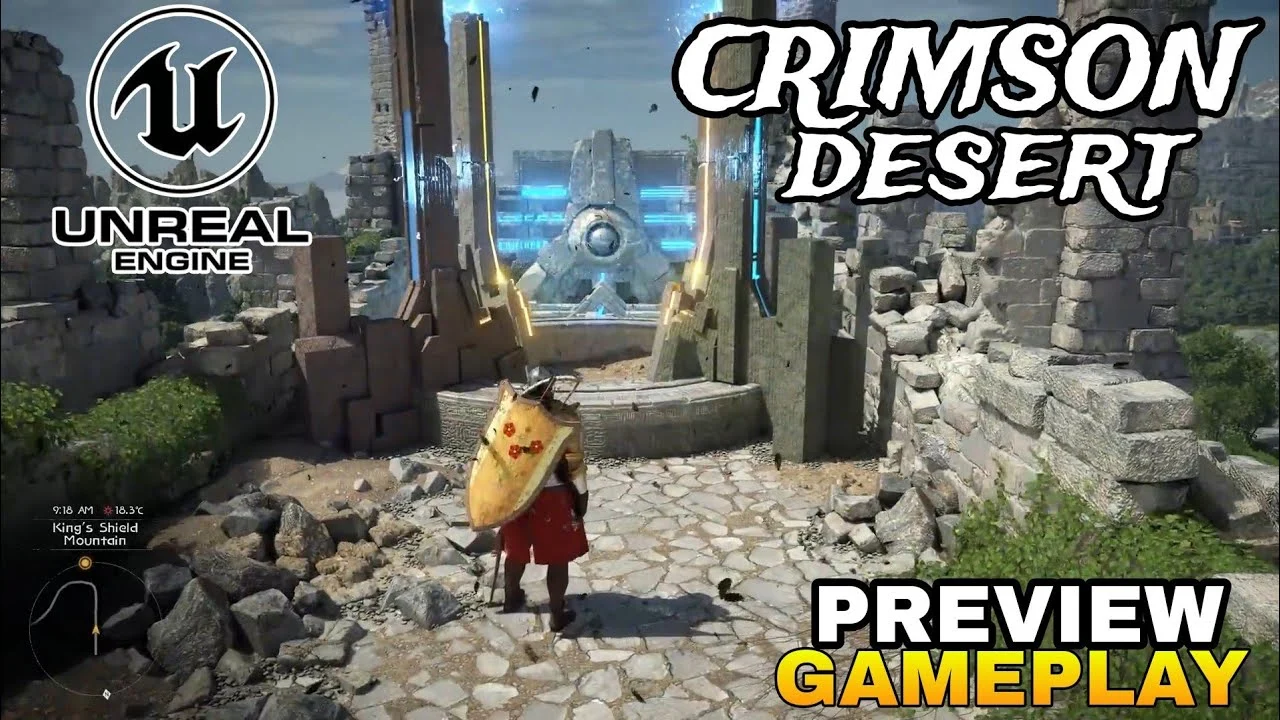
Media Kampung – 21 Maret 2026 | Crimson Desert, Pearl Abyss‘s open‑world action RPG, has reached PC players with a demand for stable high frame rates and smooth gameplay. Recent guides outline precise configuration steps to achieve 60 FPS at 1440p without sacrificing visual fidelity.
The core recommendation is to run the game in fullscreen mode at 2560×1440, enabling NVIDIA DLSS 4.0 (or AMD FSR) in Quality mode and turning on frame generation. This combination balances sharpness and performance on RTX 4070‑class GPUs or better.
For systems equipped with RTX 4080 or RX 7900 XTX, users can select the Ultra/Cinematic preset while keeping ray tracing active; the engine’s BlackSpace architecture limits the FPS penalty to only three to four frames per second.
Lighting quality remains the most influential visual setting; Ultra or Cinematic provides natural indoor illumination, whereas the Max option reduces FPS by roughly 36 % without perceptible improvement, making it unsuitable for any rig.
Texture, model, shadow, and reflection qualities are best left at Ultra, as the engine is optimized for high‑resolution assets and the performance impact is marginal compared to resolution scaling.
Players with GPUs below the RTX 4070 tier should lower the resolution to 1080p and rely on DLSS or FSR Quality, while frame generation becomes essential to sustain 60 FPS at the higher resolution.
Beyond in‑game tweaks, disabling unnecessary startup applications, installing the game on an SSD, updating graphics drivers, and enabling hardware‑accelerated GPU scheduling can shave additional frames and reduce stutter.
The game’s built‑in Denuvo DRM has been reported to cause minor slowdowns on older hardware, but the impact is negligible on modern systems when the recommended settings are applied.
Community feedback highlights that the combination of fullscreen mode, DLSS Quality, and active ray tracing delivers a fluid experience even during intense combat scenarios such as the Hornsplitter and Excavatron boss fights.
The Hornsplitter encounter tests a player’s ability to manage crowd‑control abilities while maintaining positional awareness, and the recommended settings ensure minimal input lag during its rapid attack phases.
Excavatron, a multi‑stage mechanical behemoth, benefits from the engine’s advanced weather and volumetric fog effects, which remain stable at Ultra settings thanks to the optimized ray tracing pipeline.
A separate gameplay element, the fishing minigame, received a concise tutorial that stresses timing and bait selection; mastering it provides a reliable source of in‑game currency for early‑game progression.
According to Dhruv Bhatnagar, a senior gaming writer, “Applying the outlined PC settings transforms Crimson Desert from a visually impressive title into a consistently responsive experience, especially in high‑intensity battles.”
Players also report that investing in the endurance stat early in the character’s development streamlines exploration and reduces downtime, a strategy that aligns with the game’s stamina‑driven combat system.
The BlackSpace Engine’s reliance on ray tracing means disabling RT does not yield performance gains; instead, keeping it enabled leverages the engine’s native optimizations and preserves visual quality.
Benchmark tests confirm that the Ultra lighting preset matches the visual output of the Max setting while delivering a 30‑plus percent FPS advantage, a finding that guides most performance‑focused players.
As the title continues to receive patches, the community advises monitoring driver releases from NVIDIA and AMD, as these updates frequently contain specific enhancements for DLSS 4.0 and ray tracing stability.
Overall, adhering to the recommended configuration, coupled with system‑level optimizations, equips players to explore Crimson Desert’s vast landscapes and challenging encounters without compromising frame rate or immersion.
Artikel ini dipublikasikan oleh Media Kampung.






Tinggalkan Balasan